
Accessibility
Accessibility Statement
Last updated 1 October 2026
Our commitment
We aim to meet the Web Content Accessibility Guidelines (WCAG) 2.2 at Level AA across this site. That is the standard we build to, and it is the standard we will be measured against if you find something that does not work.
What we have built in
- Every interactive element is reachable and operable with a keyboard alone, and focus is always visible.
- A skip-to-content link is the first thing a keyboard user reaches on every page.
- Text and interactive elements are built to meet AA contrast against their backgrounds — including text sitting over photographs, where a graded scrim is used rather than relying on luck.
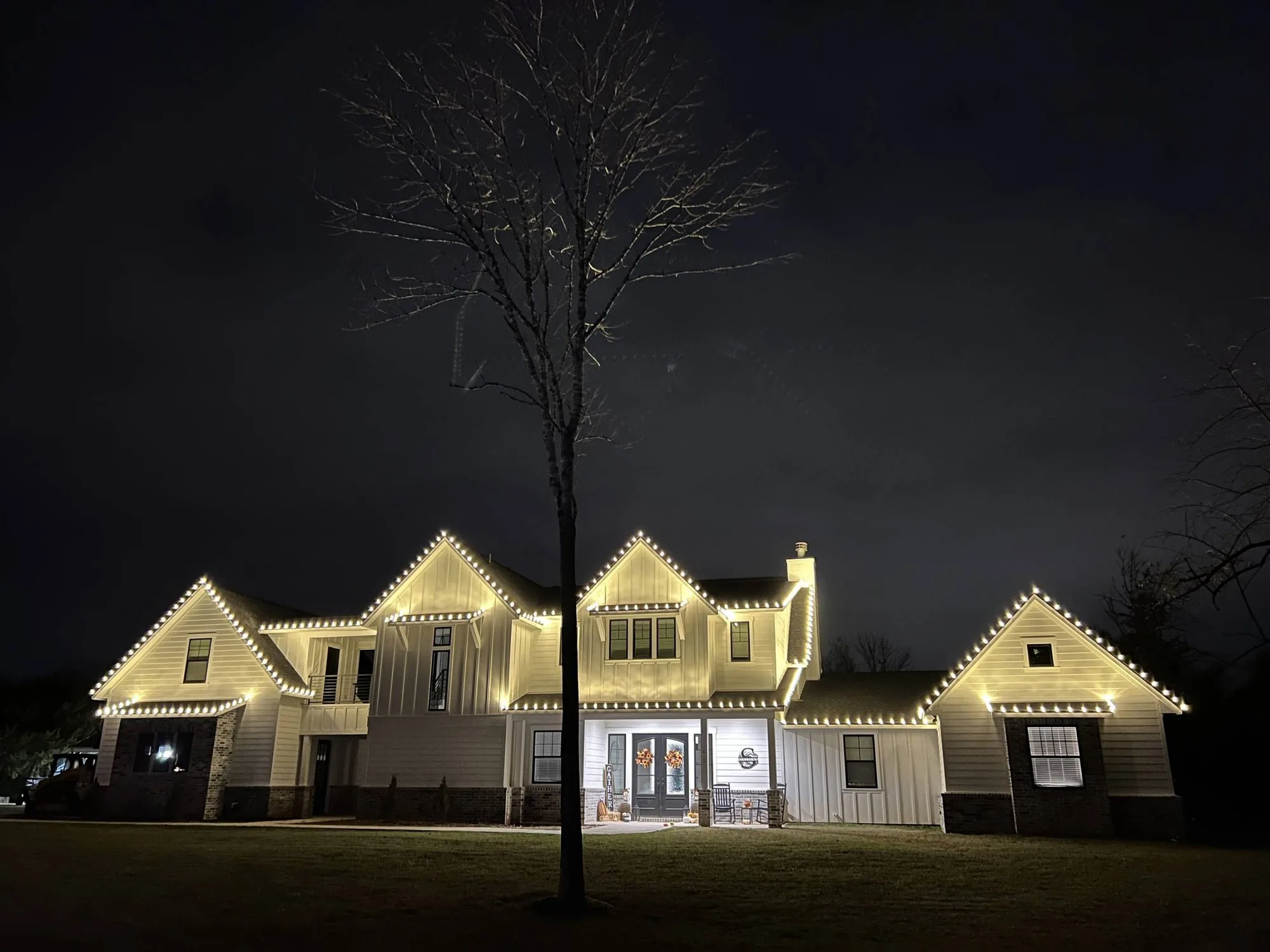
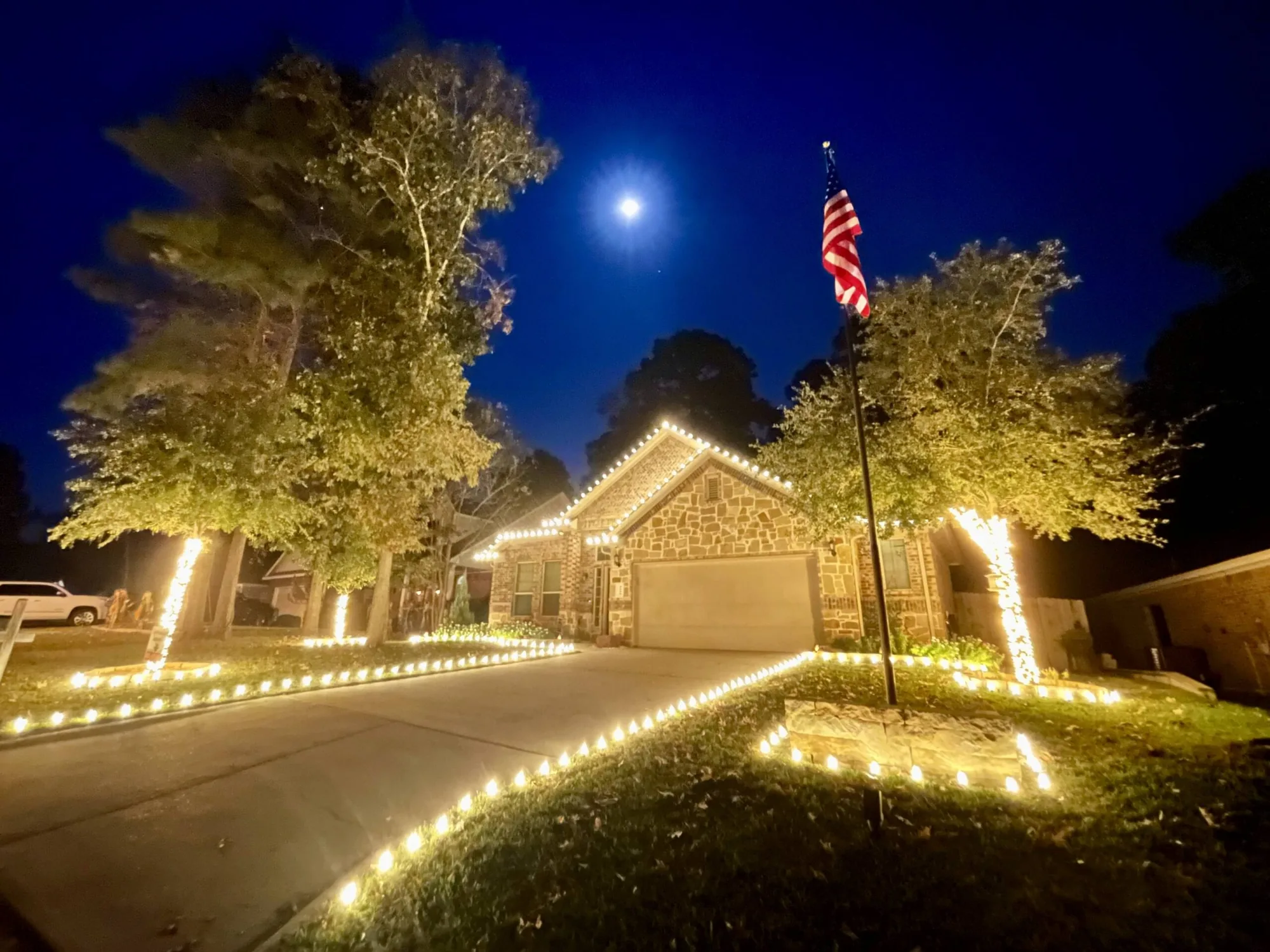
- Every photograph carries a written alternative description that says what the picture actually shows.
- Motion is fully suppressed when your device asks for reduced motion. The scroll-driven and animated sections resolve to static, complete content rather than disappearing.
- Form fields have visible labels, associated error messages announced to assistive technology, and generous touch targets.
- The before-and-after sliders use a real range input, so they can be operated with arrow keys as well as a pointer.
- The lighting visualizer is fully usable without a mouse: it is keyboard reachable and it never gates essential information behind an interaction.
- Headings run in a logical order on every page, and landmark regions identify the header, main content, navigation and footer.
Motion and flashing
Holiday lighting is decorative by nature, and this site reflects that — but no element on this site flashes or strobes. The animated strands use slow, low-contrast glow transitions and never exceed three flashes per second, in line with WCAG seizure guidance.
If your device requests reduced motion, all animation stops and every section renders in its complete, final state.
The message bubble
The message bubble in the corner of each page opens a short form where you can leave your name, phone number and a note. It is a convenience, not a requirement: everything it does is also available through the quote form and by telephone. It can be closed with the Escape key or its close button, and the site is fully usable without ever opening it.
Known limitations
The lighting visualizer draws a preview onto an HTML canvas. The visual result is described in text, and the tool's controls are all keyboard operable, but the rendered preview itself is a visual output with no non-visual equivalent beyond the description provided. The visualizer is an optional extra: no information you need in order to request a quote is only available through it.
Third-party embeds, such as analytics, are outside our direct control. If one of them causes you a problem, tell us and we will address it or remove it.
Tell us about a problem
If any part of this site is difficult or impossible for you to use, call us on (936) 499-8984 or send a message through the contact page. Describe what you were trying to do and what happened. We will fix it, and we will give you the information you needed in whatever format works for you in the meantime.